
Is Your Wi-Fi Secure?
In today's digital age, ensuring your Wi-Fi is secure is crucial to protect personal data from cyber threats. Simple checks like updating passwords, enabling encryption, and monitoring connected devices can significantly enhance security. This article explores practical steps to safeguard your home network effectively.
Understanding Wi-Fi Security Basics.
Wi-Fi networks have become an integral part of modern life, providing convenient internet access for multiple devices. However, this convenience can also expose users to potential security risks if not properly managed. Understanding the basics of Wi-Fi security is the first step in protecting your network from unauthorised access and data breaches.
One fundamental aspect of Wi-Fi security is encryption. Encryption scrambles the data transmitted over your network, making it unreadable to anyone who might intercept it. The most secure encryption standard currently available for home networks is WPA3, though WPA2 is still widely used and considered secure. Ensuring your router is set to use one of these encryption standards is essential.
Another critical element is the network name, or SSID. While it might be tempting to use a default or easily recognisable name, doing so can make your network a target for hackers. Changing your SSID to something unique and not personally identifiable can add an extra layer of security.
Strengthening Your Passwords.
Passwords are often the first line of defence against unauthorised access to your Wi-Fi network. A strong password should be at least 12 characters long and include a mix of letters, numbers, and symbols. Avoid using easily guessed information such as birthdays or common words.
Regularly updating your Wi-Fi password is also advisable. This practice ensures that even if someone has gained access to your network in the past, they will be unable to do so again without the new password. Additionally, consider changing the default administrator password on your router to prevent unauthorised changes to your network settings.
Monitoring Connected Devices.
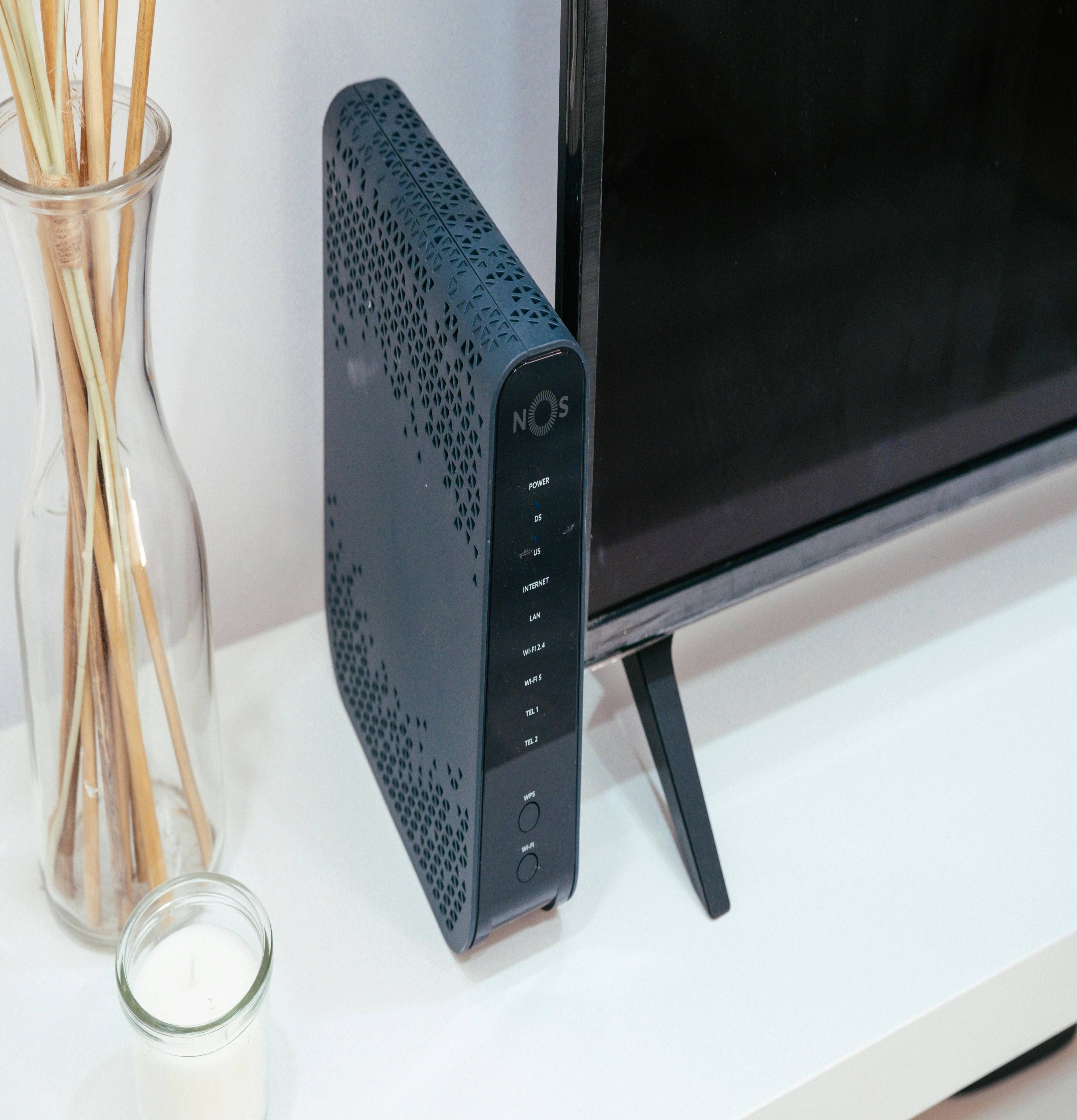
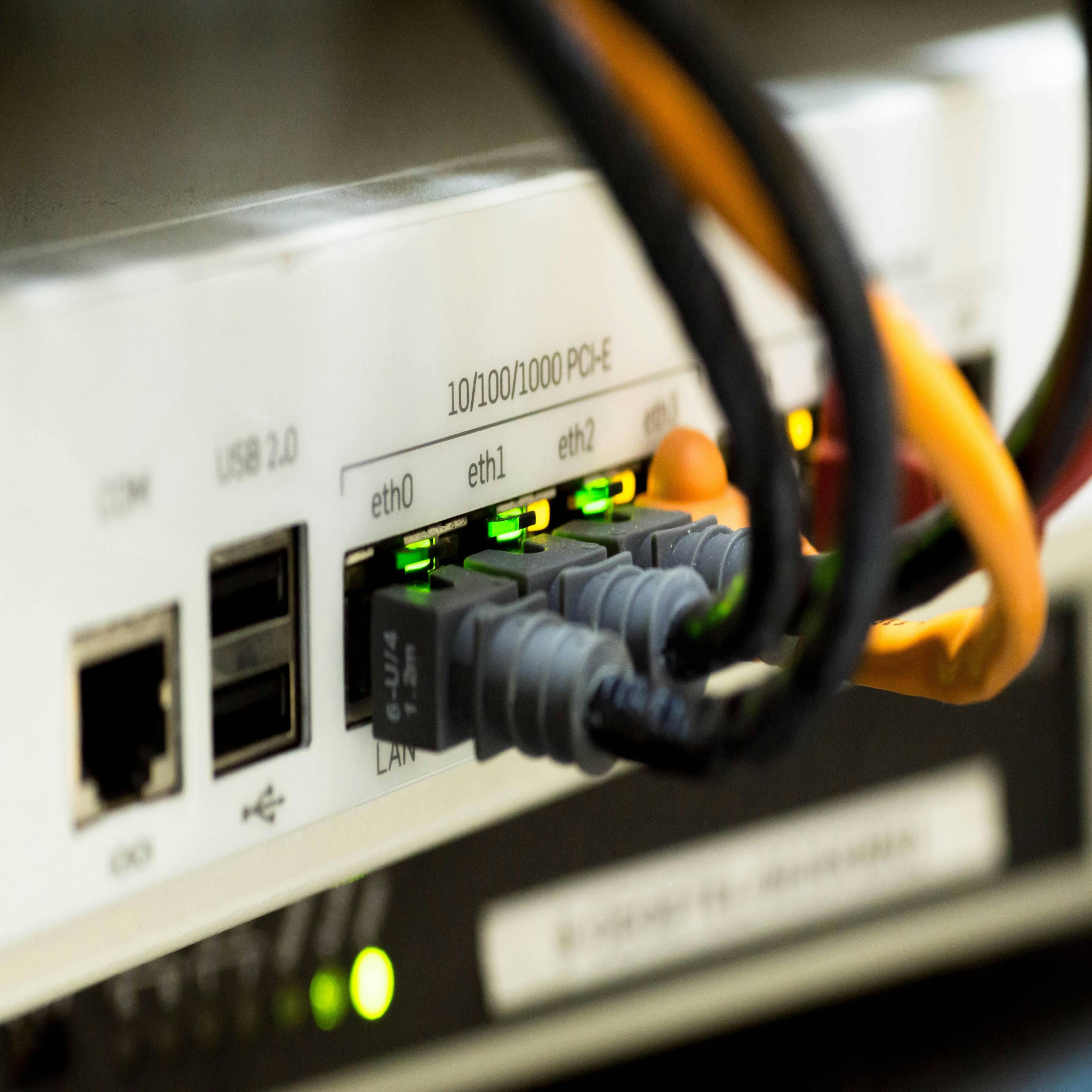
Keeping track of the devices connected to your network is another effective way to maintain security. Most modern routers offer a management interface where you can view all connected devices. Regularly checking this list can help you identify any unfamiliar devices that may have gained access without permission.
If you notice any suspicious activity, such as unknown devices or unusual data usage, it may be necessary to take further action. This could include changing your Wi-Fi password or even resetting your router to its factory settings and reconfiguring it from scratch.
Utilising Advanced Security Features.
Many routers come equipped with advanced security features that can further protect your network. One such feature is a firewall, which acts as a barrier between your network and potential threats from the internet. Ensuring that your router's firewall is enabled can help block malicious traffic and prevent attacks.
Another useful feature is guest networking. This allows you to create a separate network for visitors, keeping your main network secure while still providing internet access. By isolating guest traffic from your primary network, you reduce the risk of unauthorised access to sensitive data.
Keeping Your Router Updated.
Router manufacturers regularly release firmware updates to address security vulnerabilities and improve performance. Keeping your router's firmware up to date is crucial for maintaining a secure network. Many routers offer automatic updates, but it's worth checking periodically to ensure you're running the latest version.
Additionally, consider replacing older routers that may no longer receive updates with newer models that support the latest security standards. Investing in a modern router can provide enhanced protection and better performance for all connected devices.
Ensuring Long-Term Wi-Fi Security.
Securing your Wi-Fi network is an ongoing process that requires regular attention and maintenance. By implementing strong passwords, enabling encryption, monitoring connected devices, and utilising advanced security features, you can significantly reduce the risk of cyber threats. Staying informed about the latest security practices and keeping your equipment updated will help ensure that your home network remains safe and secure in the ever-evolving digital landscape.
Tech
Ensure Your Wi-Fi Security - Simple Checks for Safe Browsing
Is Your Wi-Fi Secure? In today's digital age, ensuring your Wi-Fi is secure is crucial to protect personal data from cyber threats. Simple checks like updating passwords, enabling encryption, and monitoring connected devices can significantly enhance security.




Comments (0)
You must be logged in to post comments.
Don't have an account? Register here
No comments yet. Be the first to share your thoughts!